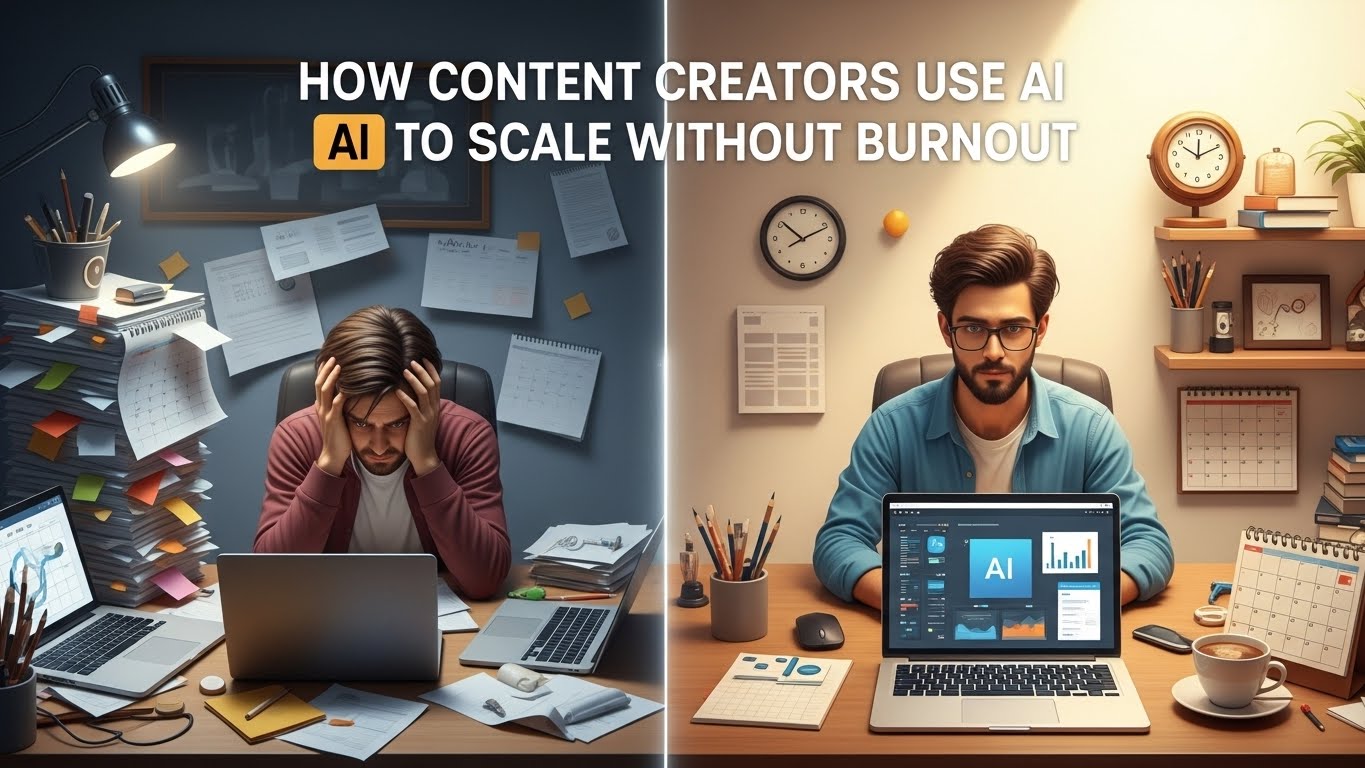

In the fast-paced world of social media, the “treadmill” is real. To stay relevant on Instagram, TikTok, and X (Twitter), creators are often told they need to post daily—if not multiple times a day. For a solo creator, this volume of work is the shortest path to burnout. Between researching trends, filming videos, editing clips, writing captions, and engaging with followers, the “creator life” can quickly become a 100-hour work week.
However, we have entered the era of the AI-Augmented Creator.
By strategically implementing the right AI tools for social media content, you can shift your role from a manual laborer to a creative director. The goal isn’t to let AI take over your brand; it’s to let AI handle the repetitive, time-consuming tasks so you can focus on the high-level strategy and authentic connection that actually grows an audience.
In this deep dive, we will explore the professional-grade AI stack that is helping top-tier creators save 20+ hours every single week.
Part 1: The Ideation Engine – Never Run Out of Viral Ideas
The “blank screen” is the biggest enemy of productivity. In 2026, waiting for inspiration to strike is a losing strategy. Professional creators use AI to spark ideation based on data, not just intuition.
1.1 ChatGPT and Claude: Your Strategic Brain Trust
While many use these as simple chatbots, expert creators use them as “Trend Synthesisers.”
- The Workflow: Feed Claude 3.5 Sonnet a transcript of a trending podcast in your niche. Ask it to “Extract 10 controversial opinions or ‘hot takes’ that would make for high-engagement X threads or Instagram Reels.”
- Why it saves hours: It eliminates the need to manually scrub through hours of content to find “the hook.”
1.2 Perplexity AI: Real-Time Research
Standard LLMs have a “knowledge cutoff.” Perplexity AI, however, browses the live web.
- The Workflow: Use Perplexity to find out what people are arguing about today on Reddit or specialized forums within your niche.
- Actionable Insight: Ask, “What are the most common misconceptions about [Your Niche] being discussed this week?” Use the answers as the foundation for your “Educational” content pillar.
Part 2: Short-Form Video Mastery (TikTok & Instagram Reels)
Video is the most time-consuming medium. If you are manually trimming dead air and adding captions, you are wasting hours that could be spent filming.
2.1 OpusClip & Munch: The Content Waterfall
The most efficient way to grow on social media is the “Waterfall Method”: take one long-form video (like a YouTube video or a podcast) and turn it into 15 short-form clips.
- The Tool: OpusClip uses AI to identify “virality-prone” moments in long videos. It automatically crops the video to vertical (9:16), identifies the speaker, and adds animated captions.
- Hours Saved: What used to take a video editor 5–8 hours now takes 5 minutes of processing time.
2.2 Captions.ai: The “Post-Production” Specialist
Even if you film directly for TikTok, the editing is tedious.
- Key Feature: “Eye Contact Fix.” If you were looking at your notes instead of the lens, Captions.ai uses AI to redirect your pupils toward the camera, making the connection with the viewer feel more intimate.
- Key Feature: AI Trim. It automatically removes “ums,” “ahs,” and long silences, creating that “snappy” edit style that is essential for retention on the TikTok “For You” Page.
Part 3: Visual Identity and Graphic Design
Instagram is still a visual-first platform. Carousels and aesthetic posts require a level of design skill that usually takes years to master—unless you use AI.
3.1 Canva Magic Studio
Canva is no longer just a template library; it is a full-fledged AI tool for social media content.
- Magic Expand: Did you take a great photo in portrait mode but need it as a landscape background? Magic Expand uses generative AI to “fill in” the rest of the image.
- Magic Grab: You can select any object in a photo and move it around as if it were a separate sticker. This makes creating high-quality “thumbnail” style graphics for Instagram covers incredibly fast.
3.2 Midjourney v6: Custom Brand Assets
Stock photos are generic and often ignored by savvy social media users.
- The Pro Move: Use Midjourney to create a consistent “visual world” for your brand. By using the –cref (Character Reference) and –sref (Style Reference) tags, you can ensure that every AI-generated image you post looks like it belongs to the same brand, building instant recognition in the feed.
Part 4: X (Twitter) and the Power of Written Leverage
X is the platform of “ideas.” To succeed here, you need high-frequency posting and high-quality hooks.
4.1 Taplio: The LinkedIn & X Powerhouse
Taplio is the gold standard for creators who want to build a personal brand.
- AI Feature: “Viral Ghostwriter.” Taplio analyzes your previous high-performing posts and suggests new drafts based on that same tone.
- Relationship AI: It categorizes your “dream 100” (the people you want to notice you) and uses AI to help you draft thoughtful, relevant comments on their posts, automating the “networking” part of social media.
4.2 Hypefury: The Automation Engine
Hypefury isn’t just a scheduler; it’s an optimizer.
- Auto-Plug: If a post starts going viral, Hypefury’s AI can automatically add a follow-up post (a “plug”) with a link to your newsletter or product, ensuring you monetize your “spike” in attention without having to be glued to your phone.
Part 5: Engagement and Community Management
As you grow, your DM inbox becomes a graveyard of missed opportunities. Engaging with your community is vital, but it’s a massive time sink.
5.1 ManyChat with AI Integration
ManyChat has moved beyond “press 1 for help.”
- The Workflow: You post a Reel saying, “Comment ‘GROWTH’ for my free guide.” The AI detects the comment, sends a personalized DM, asks the user a few qualifying questions to see if they are a good fit for your coaching/product, and then delivers the link.
- The Result: You can generate leads 24/7 while you are sleeping.
5.2 Brand24: AI Social Listening
You can’t be everywhere at once. Brand24 uses AI to monitor the entire internet for mentions of your name or your brand.
- Why it saves hours: Instead of manually searching for what people are saying about you (or your competitors), you get a daily AI-generated summary of the “sentiment” around your brand, allowing you to jump into important conversations immediately.
Part 6: The “Holy Grail” – Full Workflow Automation
For the “Pro” creator, the goal is to link these AI tools for social media content together so they talk to each other.
6.1 Connecting the Dots with Make.com
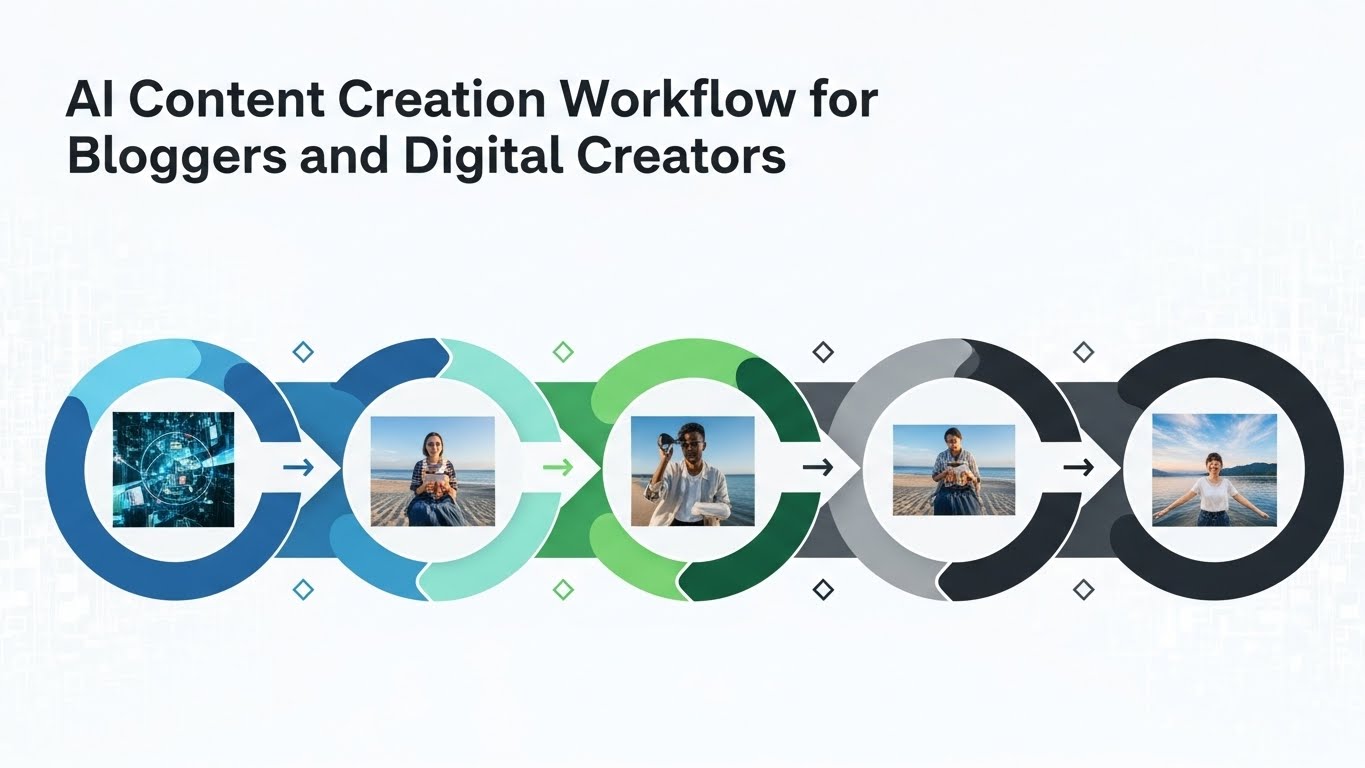
Imagine this workflow:
- You record a voice memo on your phone (using Otter.ai to transcribe it).
- Make.com sends that transcript to ChatGPT, which turns it into 1 X Thread, 1 LinkedIn post, and 1 Instagram Caption.
- The text is sent to Canva, which automatically generates the graphics using your brand templates.
- The final posts are sent to Buffer or Metricool as “Drafts” for your final approval.
This isn’t science fiction; this is how high-level “creator-preneurs” operate in 2026. They spend 1 hour “recording thoughts” and let the AI agents do the 10 hours of formatting and scheduling.
Part 7: The “Human Premium” – Why You Still Matter
With all these AI tools for social media content, why won’t everyone just become a superstar creator?
Because of the Human Premium.
As the internet becomes flooded with AI-generated content, the value of authenticity skyrockets. If your content is 100% AI, it will eventually feel “uncanny” and sterile.
How to Stay “Human” in an AI World:
- Fact-Check Everything: AI tools are notorious for “hallucinating” facts. Your reputation depends on your accuracy.
- Inject Personal Stories: AI can’t go to the grocery store, have a breakup, or feel the thrill of a business win. Those lived experiences are what your audience connects with.
- The “Final 10%” Rule: Use AI for the first 90% of the work (research, drafting, formatting), but always spend the final 10% adding your own specific “voice,” slang, and personal touch.
Part 8: Conclusion – Taking Your Time Back
The difference between a stressed creator and a successful one is systems.
By choosing 2 or 3 of the AI tools for social media content mentioned in this guide, you can reclaim at least 10 hours of your week. Use that time to rest, to engage more deeply with your community, or to work on your next big product launch.
Your Action Plan:
- Stop Editing Manually: Get OpusClip or CapCut AI to handle your video cuts.
- Stop Guessing Hooks: Use Claude or Taplio to generate high-engagement starting lines.
- Automate Your DMs: Set up ManyChat to handle lead generation.
The era of the “starving artist” creator is over. The era of the “Efficient AI Creator” has begun. Are you ready to scale?
Key Takeaways for the Reader:
- OpusClip is the #1 tool for turning long videos into viral shorts.
- Canva Magic Studio makes professional design accessible to non-designers.
- Taplio is essential for creators looking to dominate LinkedIn and X.
- ManyChat is the best way to monetize social media engagement automatically.
- Strategy over Labor: Use AI to handle the “how” so you can focus on the “what.”
SEO Focus Keywords Integrated: AI tools for social media content, social media automation, AI for Instagram creators, TikTok AI editing, X thread tools, AI content workflow, social media management AI.