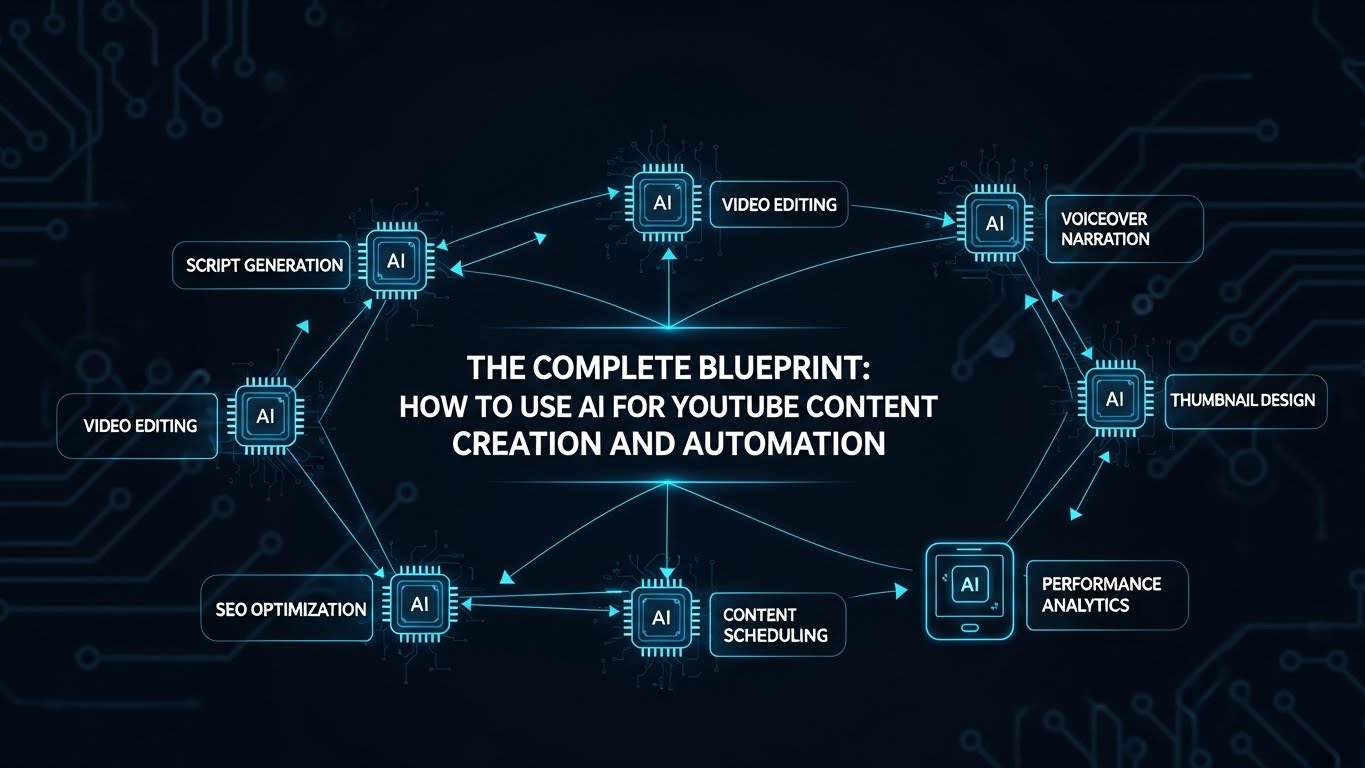
The YouTube landscape is currently experiencing its most significant transformation since the introduction of the partner program in 2007. We have moved beyond the era of the “vlogger” and entered the era of the Digital Architect.
For years, starting a YouTube channel required a massive upfront investment: expensive cameras, lighting kits, high-end microphones, and—most importantly—hundreds of hours spent mastering complex editing software. For “faceless” channels, the hurdle was even higher, requiring expensive stock footage subscriptions and professional voice talent.
Today, AI for YouTube content creation has leveled the playing field. Whether you are a solo creator looking to speed up your workflow or an entrepreneur aiming to launch a fleet of automated faceless channels, Artificial Intelligence is your ultimate leverage.
In this 6,000-word deep dive, we will explore the exact systems, tools, and strategies required to build a high-revenue YouTube presence using AI.
Part 1: The Strategic Foundations of AI YouTube Channels
Before touching a single AI tool, you must understand the strategy. AI allows for high volume, but volume without strategy is just noise.
1.1 The Rise of the “Faceless” Channel
Faceless channels (often called “YouTube Automation” channels) are accounts where the creator’s identity is hidden. These channels focus on a specific niche—philosophy, finance, true crime, or tech news—and use visuals, stock footage, and voiceovers to tell a story.
AI has made this model incredibly profitable because it solves the two biggest costs: Time and Production Talent.
1.2 Selecting a High-CPM Niche
If you are using AI to automate your channel, you want to ensure the “Revenue per Mille” (RPM) justifies the effort. AI-friendly niches with high ad payouts include:
- Business and Finance: Stock market updates, “how to make money,” and crypto news.
- Technology: Software reviews, AI news, and gadget “best of” lists.
- Personal Development: Stoicism, productivity hacks, and psychological insights.
- Health and Wellness: Longevity science, biohacking, and mental health.
1.3 The “Hybrid” Creator vs. The “Fully Automated” Creator
- Hybrid Creators: Use AI to enhance their personal brand (e.g., using AI for research, scripting, and thumbnail generation while appearing on camera).
- Fully Automated Creators: Use AI for every step—from the script and voice to the avatar and editing.
Part 2: AI-Powered Research and Scripting
The script is the skeleton of your video. If the script is weak, no amount of AI-generated 4K video can save it.
2.1 Topic Discovery and Trend Mapping
Gone are the days of “guessing” what will go viral.
- Tool: VidIQ or TubeBuddy (AI Features). Use these to find “keyword opportunities”—topics with high search volume but low competition.
- Tool: Perplexity AI. Use this to gather real-time, cited data. Instead of generic facts, ask: “What are the 5 most recent breakthroughs in solid-state battery technology for 2026?”
2.2 The “Hook-Value-Retention” Scripting Framework
YouTube’s algorithm prioritizes “Average View Duration” (AVD). Your script must be structured to keep people watching.
- The Hook (0:00-0:45): Use AI to generate 5 different versions of an “open loop” hook—a statement that poses a question only answered at the end of the video.
- The Meat (The Value): Use Claude 3.5 Sonnet or GPT-4o to expand your research into a narrative.
- Prompt Tip: “Write a YouTube script about [Topic] in the style of [Famous Creator]. Use short, punchy sentences. Include a ‘pattern interrupt’ every 2 minutes.”
- The Outro (CTA): Use AI to craft a transition that leads viewers to another one of your videos, keeping them on the platform (which Google loves).
Part 3: Mastering the Visuals – From B-Roll to AI Avatars
The most labor-intensive part of YouTube is the “visual layer.” AI has turned this into a “drag-and-drop” process.
3.1 AI Video Generation and B-Roll
For faceless creators, you need constant visual stimulation to prevent viewers from clicking away.
- Runway Gen-3/Sora: These tools allow you to generate cinematic, custom b-roll from text. If your script mentions “a futuristic laboratory in the year 2050,” you don’t need stock footage; you generate exactly what you envisioned.
- Pexels/Pixabay + AI search: Tools like InVideo AI can automatically scan your script and pull relevant stock footage from libraries, timing the cuts to the beat of the music.
3.2 The Revolution of AI Avatars (HeyGen & Synthesia)
If you want a “human” presence without being on camera, AI avatars are the solution.
- HeyGen: You can create an AI “Twin.” In 2026, these avatars have realistic micro-expressions and gestures. You simply upload your script, and the avatar “performs” it.
- Translation and Localization: One of the biggest growth hacks in AI for YouTube content creation is HeyGen’s ability to translate your video into 20+ languages while adjusting the lip-sync. You can launch a Spanish, French, and Japanese version of your channel overnight.
Part 4: Audio Excellence – Voiceovers and Soundscapes
Poor audio quality will kill a channel faster than poor video quality.
4.1 Hyper-Realistic AI Voiceovers
The era of “robotic” voices is over.
- ElevenLabs: The undisputed leader in AI voice. Use their “Speech-to-Speech” feature to record your own voice (even if it’s low quality) and have it “converted” into a professional narrator’s voice while keeping your original emotion and timing.
- Voice Cloning: Professional creators clone their own voice so they can “record” entire scripts just by typing, saving hours in the recording booth.
4.2 AI Music and Sound Effects
Copyright strikes are the bane of every YouTuber.
- Udio or Suno: Generate custom, royalty-free background tracks that perfectly match the mood of your video.
- Epidemic Sound (AI Search): Use their AI tool to find “more music like this,” helping you maintain a consistent “sonic brand” for your channel.
Part 5: Packaging – Thumbnails and SEO
You could have the best video in the world, but if no one clicks, your views stay at zero. This is where the “Click-Through Rate” (CTR) is decided.
5.1 AI Thumbnail Design
- Midjourney v6: The best tool for creating high-impact, hyper-realistic imagery for thumbnails.
- Strategy: Generate a “Hero Image” in Midjourney that evokes a strong emotion (fear, curiosity, shock).
- Canva Magic Studio: Use Canva’s AI to remove backgrounds, add “glowing” outlines to subjects, and overlay bold, AI-suggested text.
- Thumbnail Test: Use AI tools like TestMyThumbnails to predict which design will get a higher CTR based on heat-map analysis of where the human eye looks first.
5.2 AI-Optimized Titles and Metadata
- CoSchedule Headline Analyzer: Use AI to score your titles based on emotional marketing value.
- ChatGPT for Tags: Give the AI your transcript and ask: “Extract 20 highly relevant SEO tags and a 200-word description optimized for YouTube’s search algorithm.”
Part 6: Building the “Content Factory” – Automation Workflows
This is the “Secret Sauce” of YouTube Automation. The goal is to spend your time on strategy, not tasks.
6.1 Creating a “Set and Forget” Pipeline
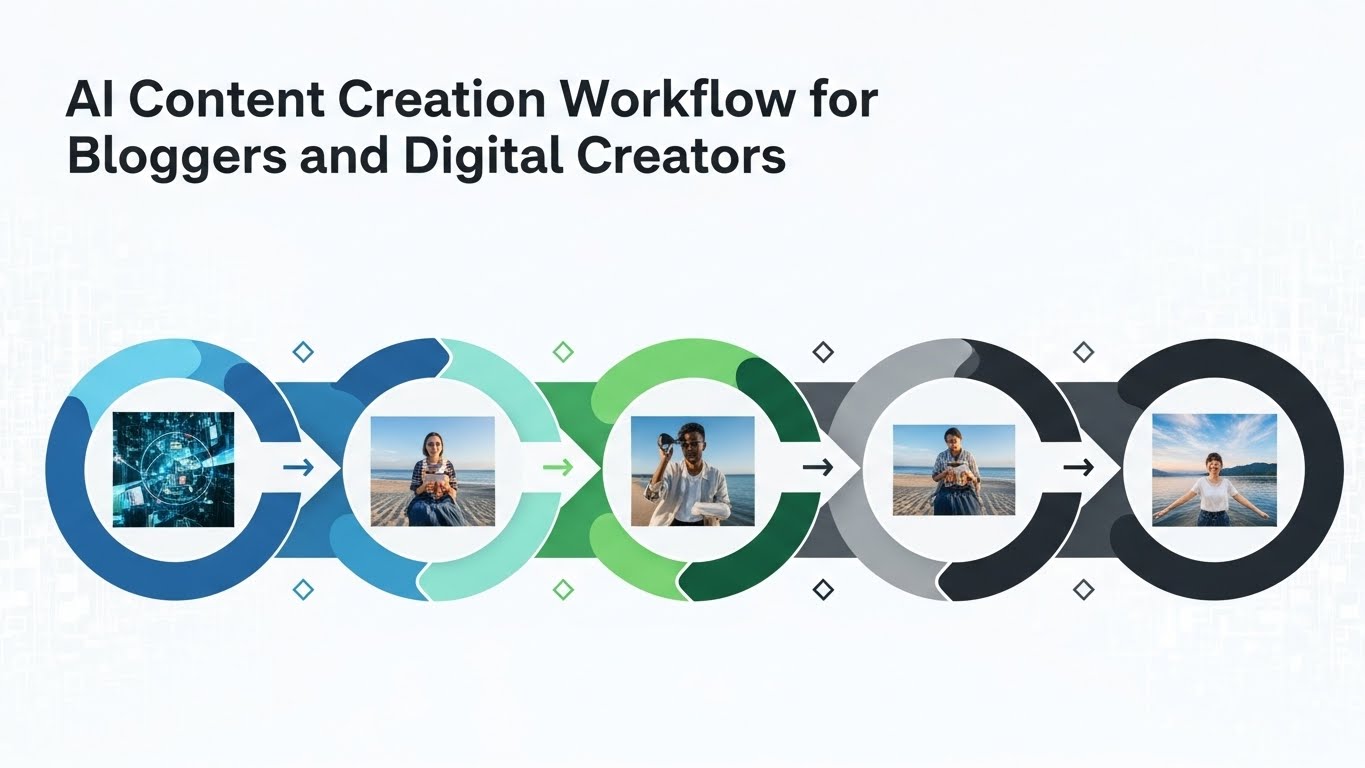
Using tools like Make.com or Zapier, you can connect your AI tools into a seamless chain:
- Trigger: You add a video topic to a Google Sheet.
- Step 1: ChatGPT generates a script.
- Step 2: ElevenLabs generates the voiceover and saves the MP3 to a folder.
- Step 3: Midjourney generates 5 potential thumbnail images.
- Step 4: You (the human) do a 5-minute quality check.
- Step 5: Upload to YouTube as a draft.
6.2 Outsourcing the “Human Loop”
Even with AI, you need a final human check. Many successful automated creators hire a “Creative Director” (often a low-cost virtual assistant) to oversee the AI tools, ensuring the final output is coherent and engaging.
Part 7: Monetization – Beyond AdSense
AI-powered channels allow you to scale so fast that you shouldn’t rely solely on YouTube’s ad revenue.
7.1 Affiliate Marketing at Scale
Because you can produce 5-10 videos a week using AI, you can target hundreds of different affiliate products. “Top 10” lists and “How-to” guides are perfect for inserting links to software, gear, or digital courses.
7.2 Sponsorships and Brand Deals
Brands are increasingly comfortable with faceless and AI-augmented channels, provided the audience is engaged. Use AI to generate “Sponsorship Pitch Decks” that show your channel’s growth analytics and audience demographics.
7.3 Digital Products and Communities
Use your AI-generated content to drive traffic to an “owned” platform, like a newsletter or a Skool community. This is where the real wealth is built—turning “viewers” into “customers.”
Part 8: Navigating Ethics and YouTube’s Policies
As of 2024-2025, YouTube has implemented strict rules regarding AI-generated content.
8.1 The “Altered Content” Label
YouTube requires you to check a box in the upload flow if your video contains “Altered or Synthetic” content that looks real.
- Crucial Rule: If you use an AI avatar that looks like a real person, you must disclose it.
- The Loophole: Stylized animations or clearly “generated” graphics usually don’t require this label, but transparency is always the safest route for long-term channel health.
8.2 Avoiding “Reused Content” Flags
The biggest risk in YouTube automation is the “Reused Content” penalty. This happens when your video is too similar to other content on the platform.
- The Fix: Never use AI to simply “summarize” another YouTuber’s video. Always add “Significant Original Value.” Use the AI to synthesize multiple sources, add your own unique commentary, and use custom-generated visuals rather than just stock footage used by everyone else.
Part 9: Troubleshooting and Common Pitfalls
9.1 The “Uncanny Valley” Problem
If your AI avatar or voice feels “slightly off,” it can repulse viewers.
- Solution: Use “Stylized” avatars (like 3D characters) instead of hyper-realistic ones if the technology isn’t 100% there yet for your specific niche.
9.2 The “Hallucination” Risk
AI can state “facts” that are completely wrong.
- Solution: Always have a “Fact-Check” step in your workflow. Never let an AI script go to production without a human verifying the core data points.
Part 10: Conclusion – Your AI Journey Starts Today
The window of opportunity for AI for YouTube content creation is wide open, but it won’t stay this way forever. As the platform becomes more saturated with AI content, the creators who win will be those who use AI to augment their creativity, not replace it.
By following the systems outlined in this guide—niche selection, AI-scripting, visual automation, and strategic packaging—you can build a YouTube presence that generates passive income and global influence while you sleep.
Final Checklist for Success:
- Pick a niche with high search volume and high CPM.
- Build your “Tech Stack” (Claude, ElevenLabs, Runway, Canva).
- Establish a workflow that minimizes your “active work” time.
- Disclose AI use to maintain trust with your audience.
- Iterate based on analytics. Let the data tell you what the AI should build next.
The future of media is automated. The only question is: will you be the architect of a channel, or just a spectator?
Key Takeaways:
- Leverage is Key: AI allows one person to run a media empire.
- Quality Over Volume: 1 great AI-assisted video beats 10 “trash” automated videos.
- Human Touch: Use AI for the 80% “grunt work” and the human for the 20% “soul.”
- Global Reach: Use AI translation to 10x your audience with zero extra filming.
SEO Focus Keywords Integrated: AI for YouTube content creation, YouTube automation, faceless YouTube channel, AI video editing, AI scriptwriting, AI voiceover for YouTube, YouTube SEO 2026.