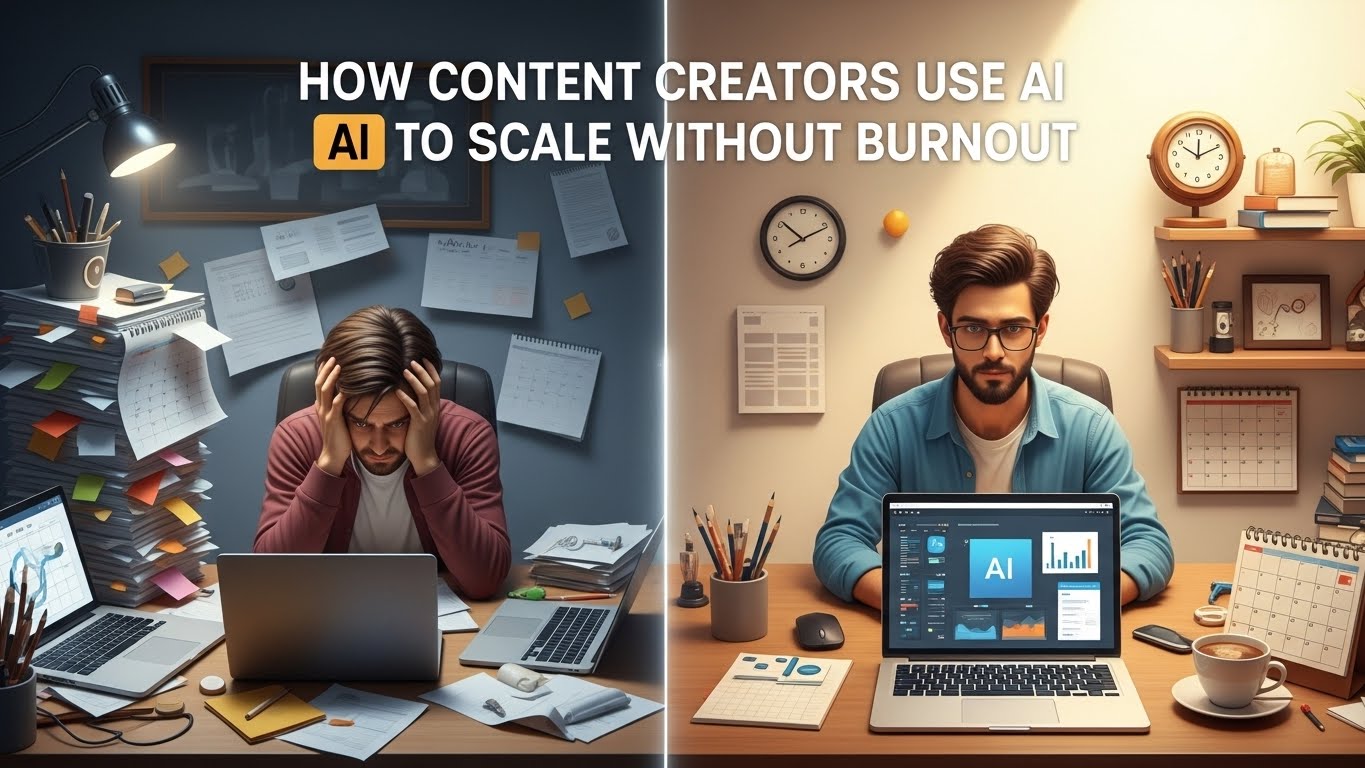

For most freelancers and solopreneurs, the “dream” of digital nomadism or business ownership often turns into a high-stakes clerical nightmare. You start your business to do what you love—designing, writing, consulting, or coding—but you spend 70% of your time doing what you hate: chasing invoices, scheduling social media posts, triaging emails, and managing project spreadsheets.
In 2026, the ceiling for the “one-person business” has been shattered.
The difference between a freelancer struggling to hit $50k a year and a “Lean Solopreneur” generating $500k in revenue isn’t more talent or more hours. It is systems. Specifically, it is the ability to automate work with AI.
This guide will take you from a scattered, overworked professional to an automated business architect. We aren’t just talking about “using ChatGPT.” We are building an ecosystem where AI acts as your Chief Operations Officer, your Marketing Manager, and your Virtual Assistant—all for less than $100 a month.
Part 1: The Automation Philosophy – Why Now?
The “Solopreneur Ceiling”
Every solopreneur hits a wall where they cannot physically take on more clients because their administrative “drag” is too heavy. If every new client adds 5 hours of admin work per week, you eventually reach a point where you stop growing.
Automation vs. Delegation
In the past, the answer was to hire a Virtual Assistant (VA). But managing people is a skill in itself. AI is different. AI doesn’t need “motivation,” it doesn’t take sick days, and it executes tasks at the speed of light. To automate work with AI is to build a “digital twin” of your workflows.
The “Brain” and the “Glue”
To understand this guide, you must understand two concepts:
- The Brain: Large Language Models (LLMs) like ChatGPT, Claude, and Gemini. They do the thinking.
- The Glue: Integration tools like Zapier and Make.com. They do the moving.
When you connect the Brain to the Glue, you create a machine that can actually work for you while you sleep.
Part 2: Auditing Your Business for Automation
Before you buy a single tool, you must audit your time. For one week, use a time-tracker (like Toggl) or a simple spreadsheet.
The Automation Matrix
Categorize every task you do into four quadrants:
- High Value / High Joy: (e.g., Creative strategy, high-level design). DO NOT AUTOMATE.
- High Value / Low Joy: (e.g., Sales prospecting, technical SEO). PARTIALLY AUTOMATE.
- Low Value / High Joy: (e.g., Socializing on LinkedIn). KEEP (FOR MENTAL HEALTH).
- Low Value / Low Joy: (e.g., Invoicing, scheduling, data entry, email triaging). AUTOMATE IMMEDIATELY.
Goal: Your target is to move 80% of Quadrant 4 and 50% of Quadrant 2 to the AI.
Part 3: Step-by-Step – Automating Your Marketing & Content
Marketing is the biggest time-thief for solopreneurs. Here is how to build a “Content Factory” that runs on autopilot.
Step 1: The Research Loop
Instead of manual research, set up a Perplexity AI or Google Gemini agent to monitor your industry.
- The Automation: Use Make.com to connect an RSS feed of industry news to an LLM.
- The Task: The AI summarizes the top 3 news stories every morning and drops them into a Slack channel or a Notion page dedicated to “Content Ideas.”
Step 2: The Content Pillar Expansion
Don’t write 10 different social posts. Write one “Pillar” (a blog post or a long-form video).
- The Task: Feed your pillar content into Claude 3.5 Sonnet (the best model for creative writing).
- The Prompt: “Extract 5 LinkedIn posts, 10 X (Twitter) threads, and 3 newsletter blurbs from this transcript. Maintain my unique tone of voice (Casual but authoritative).”
Step 3: Automatic Distribution
Use tools like Buffer or Metricool that have AI-scheduling features.
- The Step-Up: Use a “Hook Generator” GPT to create 5 different headlines for every post and A/B test them automatically.
Part 4: Step-by-Step – Automating Sales & Lead Generation
For a solopreneur, “No Sales = No Business.” But cold outreach is soul-crushing.
Step 1: AI Lead Scouting
Use Clay or Apollo.ai with integrated AI.
- The Automation: Set a trigger: “Whenever a company in the [Industry] sector raises a Series A round, find the CEO’s LinkedIn profile.”
- The AI Layer: Use an LLM to scan the CEO’s recent posts and write a personalized (not generic!) first sentence for a cold email.
Step 2: The Intelligent Inbox
Stop checking your email 50 times a day.
- The Tool: Shortwave or SaneBox with AI.
- The Automation: Train an AI to recognize “Interested” leads vs. “Spam.” If an email is a potential lead, it gets pushed to a “High Priority” folder and triggers a notification. If it’s a newsletter, it gets summarized into a weekly digest.
Step 3: Meeting Scheduling
Use Calendly with AI-routing.
- The Task: Instead of the “When are you free?” dance, use an AI assistant (like Reclaim.ai) that finds the optimal time for both parties while protecting your deep-work blocks.
Part 5: Step-by-Step – Automating Client Onboarding
The first 24 hours of a client relationship are the most important. If you are slow to respond, you lose trust.
Step 1: The “Instant Welcome”
- Trigger: Client pays a Stripe invoice.
- Action: Zapier triggers a “Welcome” sequence.
- The AI Layer: The AI reads the client’s project description from the initial form and creates a custom “Project Roadmap” PDF based on your templates.
Step 2: Automated Data Gathering
- The Tool: Typeform + ChatGPT.
- The Automation: The client fills out an onboarding form. ChatGPT analyzes the answers, identifies missing information, and sends a polite follow-up email asking for the specific missing files (e.g., “I noticed you didn’t include your brand guidelines; could you send those over?”).
Step 3: Slack/Portal Setup
- The Automation: Zapier creates a private Slack channel, invites the client, and posts an AI-generated “Getting Started” message that outlines the next 3 steps of the project.
Part 4: Step-by-Step – Automating Project Management & Admin
This is the “Quadrant 4” graveyard where dreams go to die. Let’s fix it.
Step 1: Meeting Summarization
Never take notes again.
- The Tool: Fireflies.ai or Otter.ai.
- The Automation: These bots join your Zoom/Teams calls. After the call, they send a transcript to ChatGPT.
- The Result: Within 2 minutes of the call ending, you have a bulleted list of “Action Items” and “Decisions Made” sent to your project management tool (Notion, Asana, or Trello).
Step 2: Expense and Invoice Triage
- The Tool: Fyle or QuickBooks AI.
- The Automation: Whenever you get a receipt in your Gmail, an AI agent extracts the amount, the vendor, and the category, and logs it in your accounting software. You never touch a spreadsheet.
Step 3: The AI Personal Assistant (The “Digital Twin”)
Create a custom GPT (OpenAI) or a Project (Claude) and feed it all your business documents.
- The Task: “Act as my COO. Based on my current project list in Notion and my deadlines, what are the 3 most important things I should do today?”
Part 7: Building Your “Custom AI Agents”
In 2026, the real pros don’t just use ChatGPT; they build agents. An agent is an AI that has a specific “job” and access to your data.
Example: The “Ghostwriter Agent”
- Data: Upload 20 of your past articles.
- Instruction: “Your job is to analyze my style. When I give you a rough transcript of a voice memo, you will turn it into a blog post that sounds exactly like me. Never use the word ‘delve’ or ‘tapestry.'”
Example: The “Research Agent”
- Instruction: “Search the web for the latest statistics on [Topic]. Compare three sources for accuracy and provide a summary with links. Format it for a LinkedIn post.”
Part 8: The “Glue” – A Mini-Tutorial on Zapier/Make
To automate work with AI, you need to know how to connect them.
- The Trigger: “Something happens” (e.g., New Email, New Lead, New Row in Google Sheets).
- The Action (The Brain): “Send that data to ChatGPT/Claude with a specific prompt.”
- The Result (The Action): “Take the AI’s response and put it somewhere else” (e.g., Send a DM, create a document, update a CRM).
Total Beginner Tip: Start with a “Template” in Zapier. Search for “ChatGPT to Gmail” to see how easy it is to set up your first automation.
Part 9: What You Should Never Automate
Automation is a drug. If you take too much, your business loses its “Human Spark.”
- High-Level Relationships: Never let an AI handle a difficult conversation with a client.
- Creative Vision: The “Big Idea” must come from you. AI is the builder; you are the architect.
- Final Quality Control: Never hit “Publish” or “Send” on AI content without a human eye scanning it.
The goal of AI is to remove the friction, not the person.
Part 10: Your 30-60-90 Day Automation Roadmap
Days 1-30: The “Admin Cleanup”
- Set up an AI meeting assistant (Fireflies/Otter).
- Automate your invoicing and expense tracking.
- Connect your lead forms to a “Welcome” email sequence via Zapier.
Days 31-60: The “Marketing Engine”
- Build a “Content Repurposing” workflow (Pillar content -> Social posts).
- Set up an AI research digest for your industry.
- Automate your social media scheduling.
Days 61-90: The “Custom Agents”
- Build a Custom GPT that knows your brand voice.
- Create an AI “Project Manager” that triages your Notion/Asana tasks.
- Automate 80% of your sales outreach prospecting.
Conclusion: The New Definition of “Solopreneur”
In the past, being a solopreneur was about being a “Jack of all Trades.” You had to be a master of everything, which meant you were often a master of nothing.
Today, to automate work with AI is to become a “Director of Operations.” You are no longer the one doing the typing, the sorting, and the chasing. You are the one providing the vision, the strategy, and the human connection that AI cannot replicate.
The tools mentioned in this guide cost less than a single part-time employee, yet they can provide the output of a full-scale agency. Start with one automation today. Save yourself one hour this week. Then, use that hour to build the next automation.
The future belongs to the automated. Are you ready to take your time back?